
Anki
Lapis Themes
Simple CSS files containing recolors of the Lapis Anki Note Type.
- Anki
- #Lapis
- #Notetypes
Shared by 天 Staff
Published ·Updated
Details
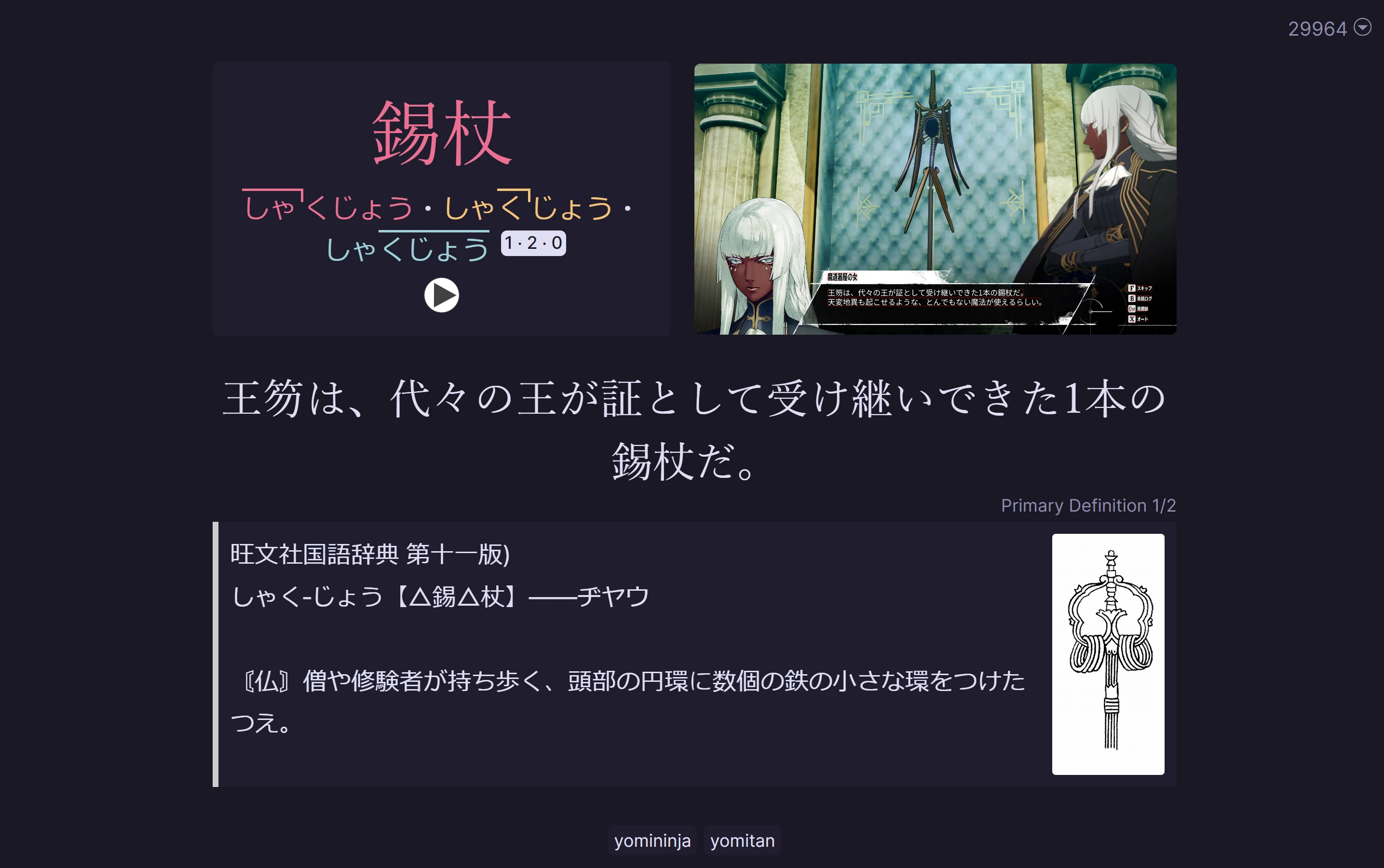
Simple CSS files containing recolors of the Lapis Anki Note Type. Palettes used:
- {Rosé Pine](https://rosepinetheme.com/palette/)
- Gruvbox
The CSS files are named after the palette. For palettes having a light mode (Catppuccin, Gruvbox, Rose Pine), the light mode is set to the equivalent light mode palette for the theme. Cyberpunk does not have a light mode.
Now Updated to Lapis+ Note Type (v1.6.0)
Use with other versions of Lapis is likely to break your cards. Please report any bugs to me/this repository and not to the Lapis maintainers, as this is not an officially supported addon.
Setup
Installation
Choose which variant you want and copy all the CSS from the file. In Anki, go to Manage Note Types -> Cards -> Styling and replace all the CSS there with the CSS from this repo.
Alternatively, in Manage Note Types, hit Add and use Lapis as a base note type. You can clone it multiple times in this way and have access to all recolors you like as separate note types that you can easily switch between. Changing note type is seamless between the recolors.
The only thing changed is color codes in CSS so as long as the version of these recolors and the version of your Lapis note are the same, nothing should break.