
Script
MPV Cumulative Watch Time Tracker Script
A simple Lua script for MPV to track your cumulative watch time with handy shortcuts and backup features.
- Script
- #mpv
- #tracker
Shared by 天 Staff
Published ·Updated
Details
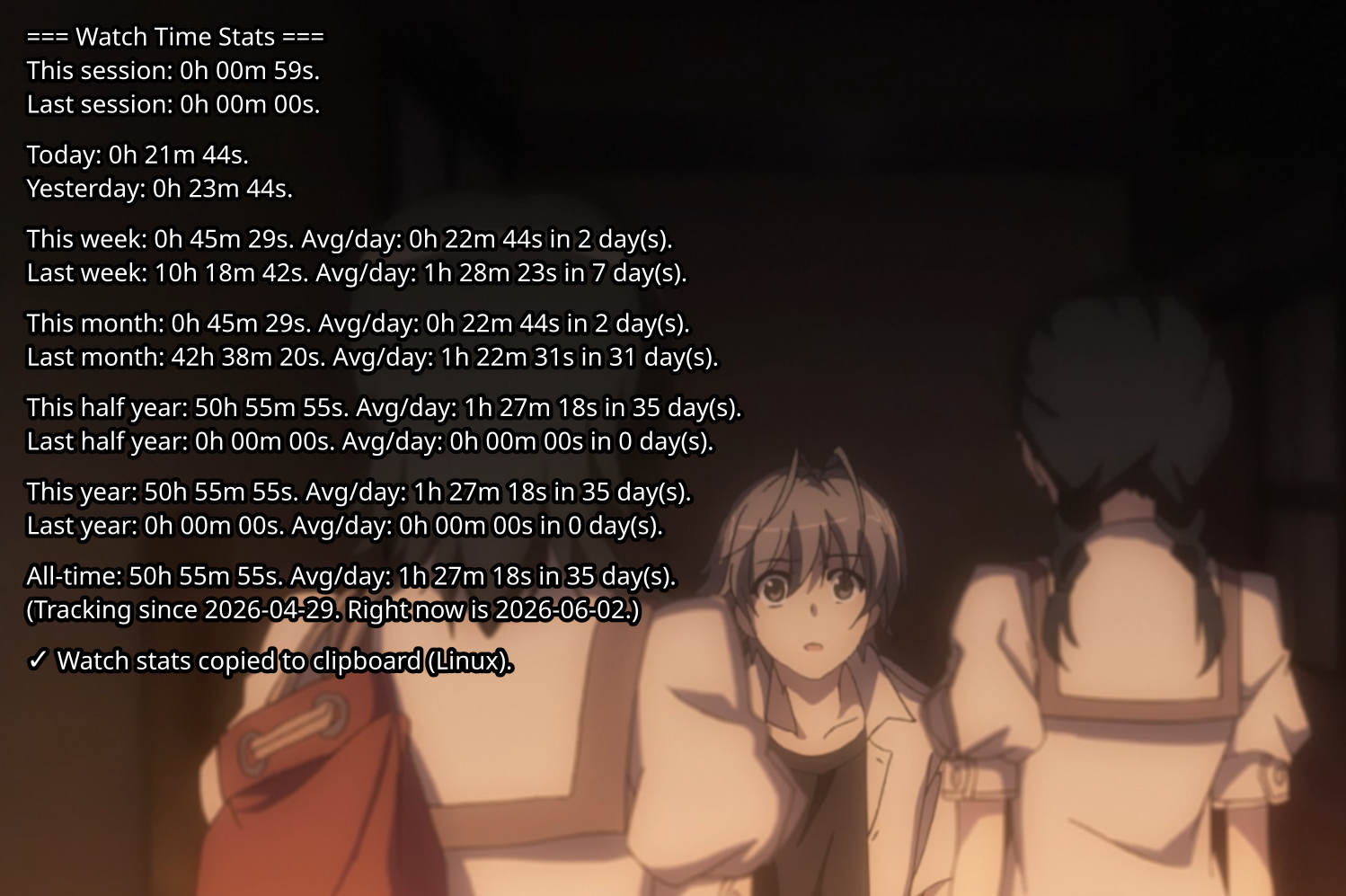
A very simple cumulative time tracker script for MPV brought to you by AI
How to install:
1. Copy the watchtime.lua file to your mpv scripts folder.
2. Add the following shift+T and shift+D shortcuts to your mpv input.conf file:
```text
T script-binding show-watchtime
D script-binding discard-session
`
- Shift+T: Shows you the stats on demand.
- Shift+D: Discards the current session (useful if you don't want specific watch time to taint your stats).
MPV Folder Paths:
If you don't know where your mpv folder is, open your file browser and type in:
- Windows: %APPDATA%\mpv
- Linux: ~/.config/mpv/
- Mac: ~/.config/mpv
Notes:
1. Clipboard functions have only been tested on Wayland.
2. Ideally, you should only have 1 MPV instance open at a time.
3. Extra config options are available at the top of watchtime.lua (text size, display duration, etc.).
4. Automatically creates 2 backup files to prevent data corruption loss.