
Visual Novels Club
Master Japanese through immersive visual novel experiences with complete setup guides and tools
Complete Setup
Step-by-step guides for all essential VN tools and software
Tips
Best tips for learning with VNs
Advanced Tools
Yomitan, JL, Textractor, Agent and other really useful tools
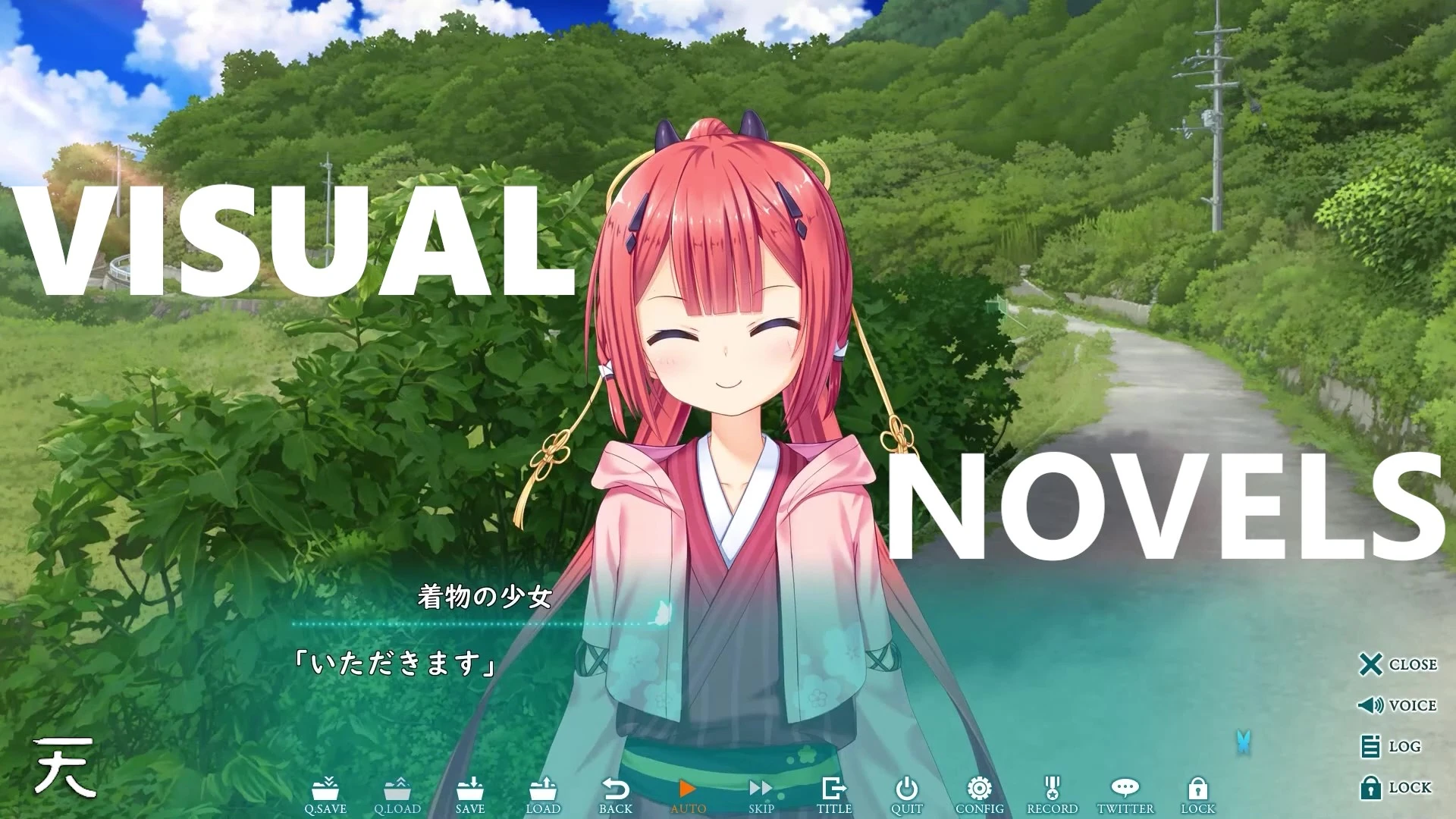
What are VNs?
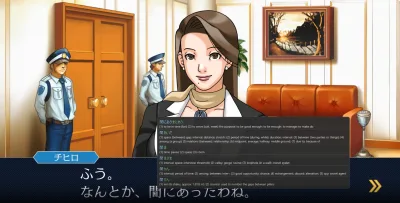
Visual Novels are interactive stories that combine the experience of reading a novel with the interactivity of a game, using character images, backgrounds, sounds and soundtracks to create immersive experiences. They're perfect for Japanese learning as they provide rich vocabulary, natural dialogue, and engaging stories that keep you motivated while building your language skills.
How to start
- • Already have a VN installed?
- Select a dictionary tool below, in setup!
- • Want help to find and install a VN?
- Go to the section!
Setup
Visual Novel
Japanese game to read
Texthooker
Hook and process game text
Dictionary Tools
Create flashcards for learning
Visual Novel
Japanese game to read
Texthooker
Hook and process game text
Dictionary Tools
Create flashcards for learning
Yomitan
Main Setup
- Anki integration
- Customization
- Divided Screen
- Browser only
JL
Excelent alternative
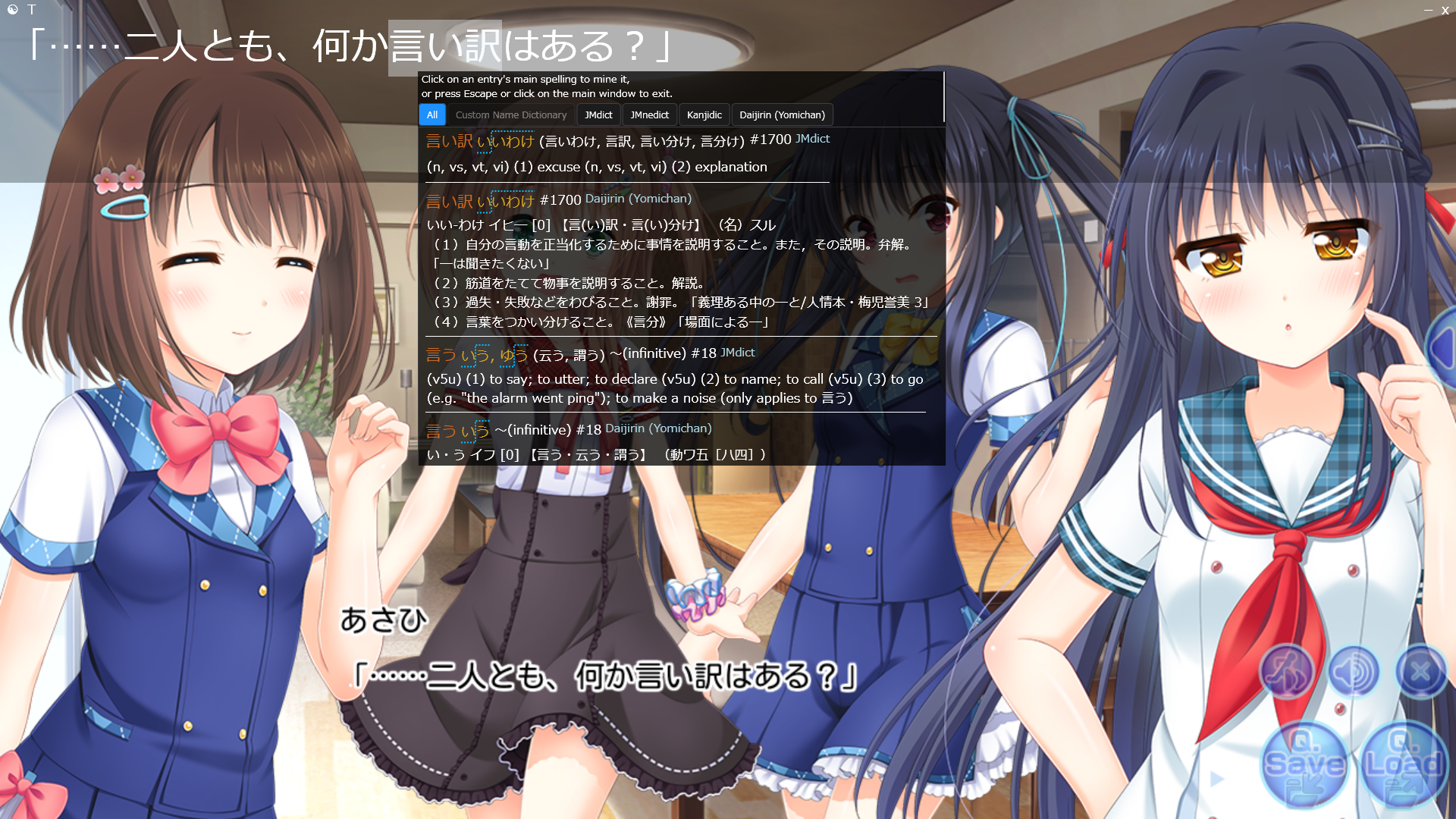
- Anki Integration
- Use in fullscreen
- Fewer customization
Agent, OwOCR and Others
Complete toolkit for VN text processing
- Script-based extraction
- If there is a script for your game, you can use Agent to extract text from it.
- Works with Yuzu
- Easy attachment
- OCR text recognition
- Multiple input sources ( clipboard, folders, websockets, unix domain socket, and screen capture)
- Multiple output (clipboard, text files and websockets)
Resources page →
Resources page
Getting a VN
Where to buy Visual Novels and how to install them properly
Prerequisites
Knowing what Visual Novel to download
Administrative Language Settings - Set up your system to properly display Japanese text and characters
Open the Control Panel by searching it in the search bar and clicking on it
Go to Clock & Region → Region
Go to the "Administrative" tab and click on "Change system locale"
Search for "Japanese (Japan)", click "Ok" and restart your PC
Paid
Steam, DLsite
Great job on supporting the developers!
Steam
Before buying, verify if the game has Japanese language support for "Interface", "Full Audio" and "Subtitles"
Most of the time, you will be able to change the language in the game's settings. But, if it's not there, you can set it in:
Open your Steam Library
Select Manage → Properties → General → Tab.
Under "Language", select Japanese from the drop-down menu
Alternative
Nyaa (Torrent), Ryuugames, etc
If you choose the torrent route, I recommend qBitTorrent
For extracting the files, WinRAR or 7-Zip will be needed~
After extracting, check the folder contents and, If the game came with a crack or a patcher, run it first
All you have to do now is run the .exe file for your game!
If it's an ISO file, double click it to mount the disk, go to the disk folder and run the .exe file for your game!
Important: Be sure it won't cause you trouble in the region you live in.
Troubleshooting
This Game Is Japan Only - Japan Time Zone Required - Game Not Running
Ensure you have your system locale set to Japanese, you have Japanese fonts installed and a crack/patch is applied. Try using AlphaROMdiE if there is no patch for your VN. If none of the above work, you can try using a locale emulator, which will also emulate the Japanese time zone.
Direct3D/DirectX, MSVC/Visual C++
Install DirectX and Visual C++ Redistributable Runtimes
Yomitan & Textractor
Essential tools for extracting and translating Japanese text from Visual Novels
Setup Yomitan if you have not done so yet
Most Used Text Hooker for VNs
Textractor is an open source tool that hooks into Visual Novel processes to extract Japanese text from the game, being the staple texthooker since its release. Download Textractor and the websocket extensions to get started!
x86 version of the program and the websockets will be better most of the time, but in case a game doesn't support it, you can use the x64 version instead

Setting the Extensions for Textractor
Downloading extensions to optimize the extraction of text!
Go to "Extensions" and remove all pre-added extensions by right-clicking and selecting "Remove Extension"
Right click again and select "Add Extension".
From your Downloads folder opened in another File Explorer tab, move the downloaded and extracted websockets to the Textractor folder that just opened, the file names for the websockets being: textractor_websocket_x86.xdll and TextractorSender-JL.x86.xdll
Then, add the extensions in this order:
- Remove Repeated Characters
- Remove Repeated Phrases
- Remove Repeated Phrases 2
- Remove 30 Repeated Sentences
- Textractor_websocket_x86
- TextractorSender-JL.x86
- Copy to Clipboard
Attaching and Selecting a Hook
Hook attachment!
Launch your Visual Novel first, then go to a dialogue screen
In Textractor, click "Attach" and select your Visual Novel process from the list
Then, advance once in the dialogues of your game to let textractor identify more hooks and list all available hooks
Scroll through the hooks until you find the one that matches the text from the dialogue screen and is updating once you advance the dialogues
Texthooker UI
Webpage where we will able to send the VN text to so we can use Yomitan~
Go to the Renji's texthooker UI page or Kizuna's page
Click in the red plug icon on the top right of your screen. If it turns green, it successfully connected to Textractor's websocket and you can hit the "Play" button!
Advance the dialogues in your VN and confirm if the text is updating in the texthooker UI.
You are all set to use Yomitan and read~ (≧ᗜ≦)
Tips
Helpful tips
Route Guides / Walkthroughs
Non-linear VNs are Visual Novels with multiple routes, meaning you can take different actions and this will lead you to different character routes and endings. If you want to follow a specific route or achieve a specific ending, you can follow guides like Seiya Saiga for your VN! Just search in Google for "(VN name) Seiya Saiga", (VN name) 攻略" or (VN name) walkthrough/route guide"
Tracking & Logging
Keeping track of how long you've read in your reading sessions and the amount of characters read is a nice way to see how much of a hard work you have put in. Seeing the numbers go up is a good source of motivation. I recommend toggl tracker for tracking time and Misuzu for tracking characters!
How to get good at reading and increase your reading speed
Reading more is the #1 answer for getting good at reading and increasing your reading speed. The more you read, the more you will learn words and get used to it and the faster you will become. On reading speed, by reading consistently you will naturally increase it, do not stress about low reading speeds if you are not reading consistently every day
Setting yourself goals every day and making it a habit
This is very important and will allow you to read more and consistently every day. Setting an amount of hours per day or an amount of characters and setting it as a priority in your day is a very good way of reading consistently and slowly turn reading into a habit. I highly recommend it and you can also use pomodoro timers to help you stay focused. Ex.: (50min of reading and 10min of break)